
Emergency management software helps teams answer the important questions that matter during a drill, evacuation or urgent on-site incident.... who is here?, who is safe?, who needs help? and who still needs follow-up?
For workplaces with visitors, contractors, staff and suppliers moving through site each day, emergency readiness starts with a live, accurate site register. EVA Check-in connects visitor management software, contractor management software and workplace safety software workflows into one practical emergency response picture.
That means teams can run evacuations, send emergency alerts, account for people at muster points, support SOS response and keep records for review after the event.
Emergency management starts with a live site register
A paper sign-in book gives limited value once an alarm sounds. A static list can quickly fall behind the reality of who has arrived, left, moved zones or just checked in.
EVA Check-in gives authorised users a current view of people on site, including visitors, contractors and staff (TBH any kind of person on site be they students or pensioners). That live register is the core for emergency evacuation plans, fire evacuation plans and day-to-day workplace safety processes.
For site leaders, wardens and health and safety teams, this creates a clearer operational tool during events such as:
- fire alarms and evacuation drills
- medical incidents
- security concerns
- severe weather events
- hazards that require people to avoid an area
- lone worker or spread-out site incidents
- situations where someone needs urgent help nearby
Run evacuations from mobile, web, portal or kiosk
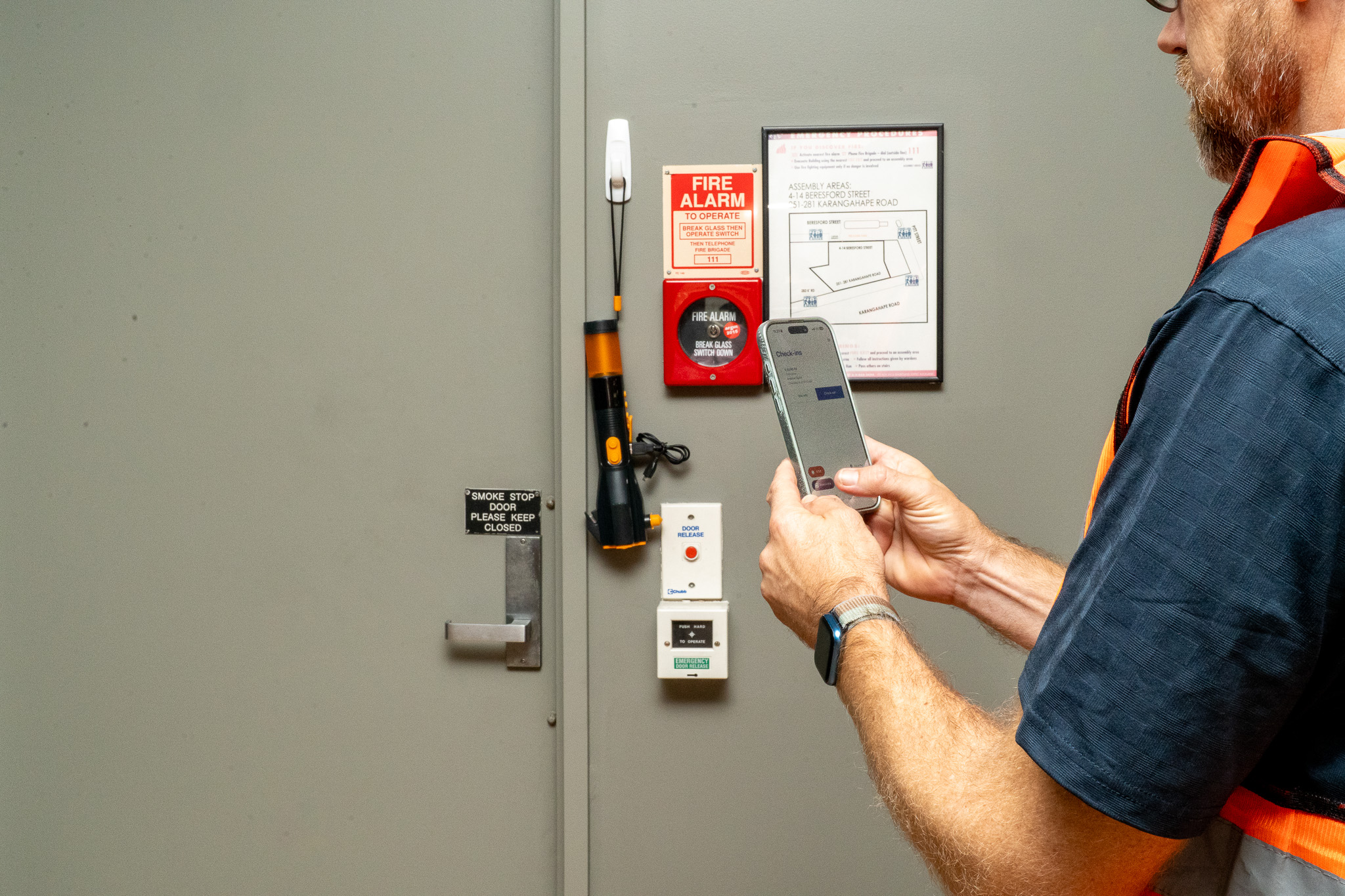
EVA supports practical evacuation management from several entry points. Wardens can start an evacuation from the EVA mobile app, the admin portal, a phone web link or the kiosk. The evacuation can cover a whole site or a specific zone.
This is especially useful for construction sites, campuses, healthcare locations, schools, offices and other workplaces where people may be spread across different areas.
Evacuation workflows in EVA can support:
- site or zone evacuations
- evacuation drills
- mobile warden access
- multiple warden coordination
- real-time accounting across devices
- visibility of accounted and unaccounted people
- follow-up calls to individuals when phone numbers have been collected
- end-of-event notes and reporting
For guidance on drill planning, see our related article: How to run evacuation drills in a construction site.
Account for visitors, contractors and staff at muster points
During an evacuation, wardens need a simple way to account for everyone. EVA’s live evacuation list lets wardens mark people as safe as they arrive at muster points.
On larger sites, multiple wardens can work from the same evacuation list. When one person is marked safe, the status updates across devices. This reduces double handling and helps the team focus on anyone still unaccounted for.
If emergency messages are sent during the evacuation, people can also respond and mark themselves safe. Wardens can then see the updated status and any details provided.
Anyone recorded as needing assistance can be clearly identified, helping wardens prioritise follow-up where it is safe to do so.
Use emergency alerts to reach people on site
Good emergency communication depends on speed, clarity and the right audience. EVA’s on-site alerts support emergency notification workflows for people who are currently checked in.
Teams can prepare saved messages ahead of time so wardens and site managers can send short, consistent instructions during a drill or incident.
Example emergency alert messages include:
- “Evacuation in progress. Proceed to your assigned muster point.”
- “Avoid the north gate. Use the main assembly area.”
- “This is a drill. Follow warden instructions and mark yourself safe if prompted.”
- “Remain at the muster point until the all-clear is given.”
EVA supports SMS and push notifications for urgent ad-hoc alerts. These alerts can be sent to everyone in the evacuation or targeted to accounted or unaccounted groups as the situation develops.
Add SOS support for urgent on-site help
Some incidents start with one person needing help. A worker may be injured, trapped, feeling unsafe, unable to reach a radio or witnessing a serious incident.
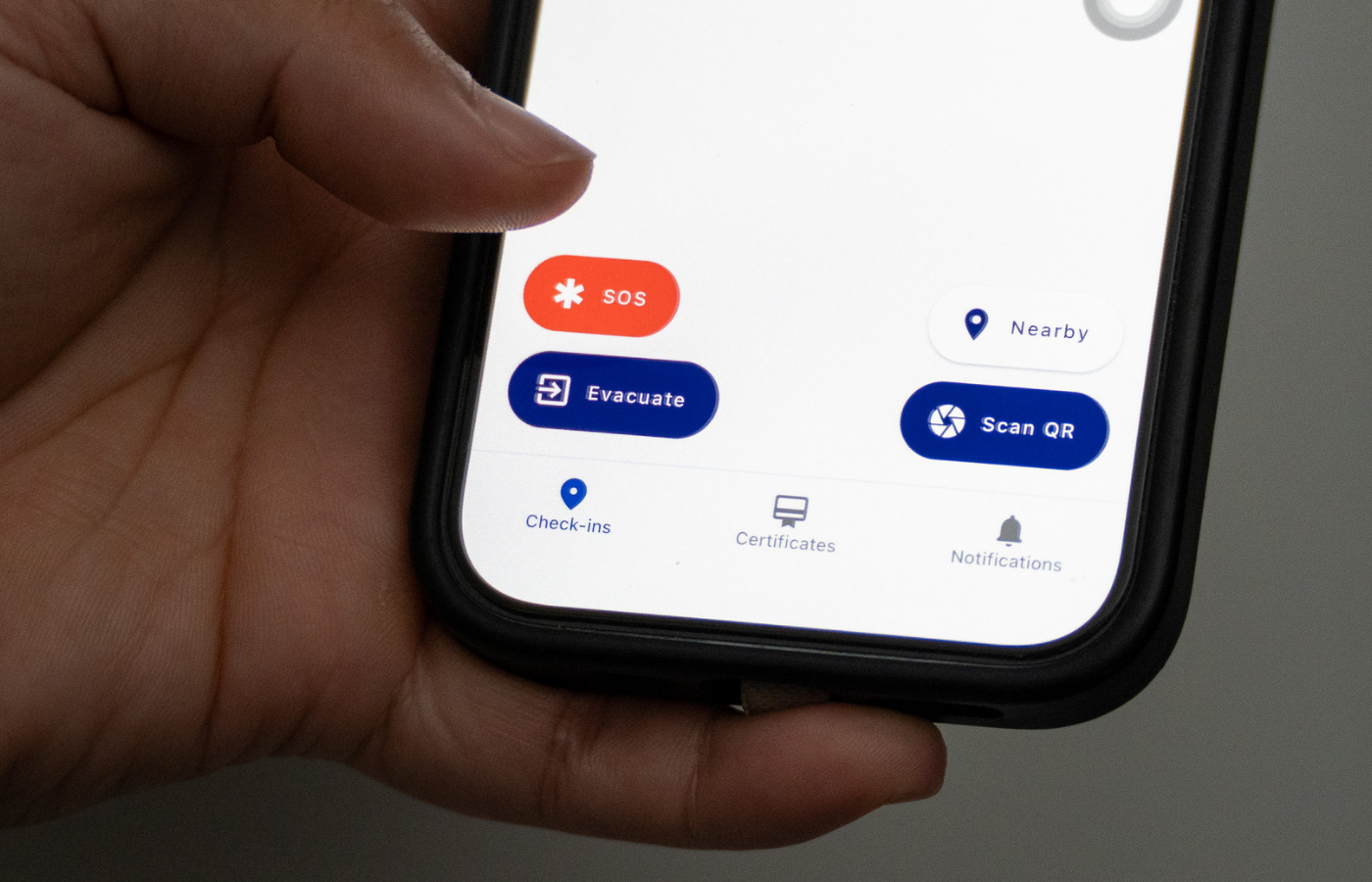
EVA’s SOS feature gives authorised users a way to trigger an on-site alert from their phone. Many teams may describe this type of function as a panic button, duress button or duress alarm. In EVA, SOS is designed to help connect the person who needs support with nearby people who can respond quickly.
SOS can be configured to notify people who are currently checked in, or specific named responders, depending on the site’s rollout.
This supports use cases such as:
- large or spread-out sites
- construction environments
- after-hours work
- healthcare or community settings
- isolated work areas
- situations where speaking or moving is difficult
SOS supports local on-site response. For immediate danger to life or serious injury, workers should contact emergency services and follow site emergency procedures.
Read more about EVA’s SOS feature in Panic Button (SOS) for On-Site Workers.
Turn evacuation drills into evidence for improvement
Emergency drills create useful evidence when teams record what happened and act on the findings.
After an evacuation or drill, EVA helps teams close the event, record notes and run reports. Reports can include start and end times, site or zone details, whether the event was a drill, and totals for people accounted and unaccounted for.
These records can support:
- health and safety reviews
- emergency evacuation plan updates
- fire evacuation plan checks
- contractor safety processes
- management reporting
- continuous improvement after drills or real events
For organisations with multiple locations, this also supports a more consistent approach to emergency management across sites.
Where EVA fits in your emergency management plan
Emergency management software works best when it supports clear site procedures. EVA helps strengthen the operational parts of that plan before, during and after an event.
Before an event
- Show evacuation maps and plans when people check in
- Keep check-in data accurate
- Set up sites and zones
- Assign evacuation warden permissions
- Prepare saved emergency alert messages
- Encourage mobile app notifications for staff and contractors
- Make sure visitor and contractor information is collected consistently with features like geofences and check-in reminders to help with compliance
During an event
- Start an evacuation or drill
- Send emergency alerts
- Coordinate multiple wardens
- Account for people at muster points
- Identify people needing assistance
- Follow up with unaccounted people where phone numbers are available
- Use SOS alerts for urgent on-site help scenarios
After an event
- Close the evacuation
- Record notes and lessons learned
- Export reports where needed
- Update processes, messages, training and site instructions
A safer response starts with knowing who is on site
Emergency management works when your team has accurate people data, clear communication channels and simple tools for wardens.
EVA Check-in brings these pieces together: visitor management, contractor management, live site registers, evacuation management, emergency alerts, SOS support and reporting.
For health and safety teams, facilities managers and site leaders, that means better visibility and faster action when people need to move, respond or get help.
Ready to improve emergency management at your workplace? Book a demo or start a free trial with EVA Check-in.